Welcome to the online training of the TeC@ses project!
As the internet and digital technologies transform our world, the European Commission prioritizes making Europe fit for the digital age with digitalisation playing a central role and you, as teachers, face new challenges and opportunities. This ongoing integration of digital technologies accelerates change across all life areas, especially in vocational education and training. These innovations are revolutionising how we teach and learn. Digitalisation in education aims to enhance learning through digital tools and technological solutions, offering more efficient and flexible learning processes and opening new perspectives for both your students and you.
One way to organise the learning process is to use (business) case studies. They present business issues practically, challenging students to tackle real-life problems. As a teacher, you know the importance of combining theory and practice. Instead of abstractly teaching theory, analysing practical cases makes economic theories understandable. This approach allows your students to experience theory as a valuable problem-solving tool. It can motivate them to actively address relevant questions that are relevant to their lives and professions, bringing learning to life. With the economy demanding increasingly flexible and intelligent professionals, case studies are an excellent way to prepare your students for future challenges.
What are case studies?
This tool offers you as a teacher twofold support: on the one hand, you learn to teach with and to design didactically high-quality case studies; on the other hand, the TeC@ses tool promotes your digital skills to create digitised case studies and teach with these in a digital environment, in line with the European Framework for the Digital Competence of Educators. As we would like to present you many different design possibilities for media units, the media units created within the TeC@ses tool are very different in their layout.
The modular structure of the TeC@ses tool gives you the freedom to choose your own learning path. The different learning nuggets are self-contained, so you can focus on what you really need. Please note that due to this pick-and-mix approach, some content relevant to different learning nuggets may be duplicated.
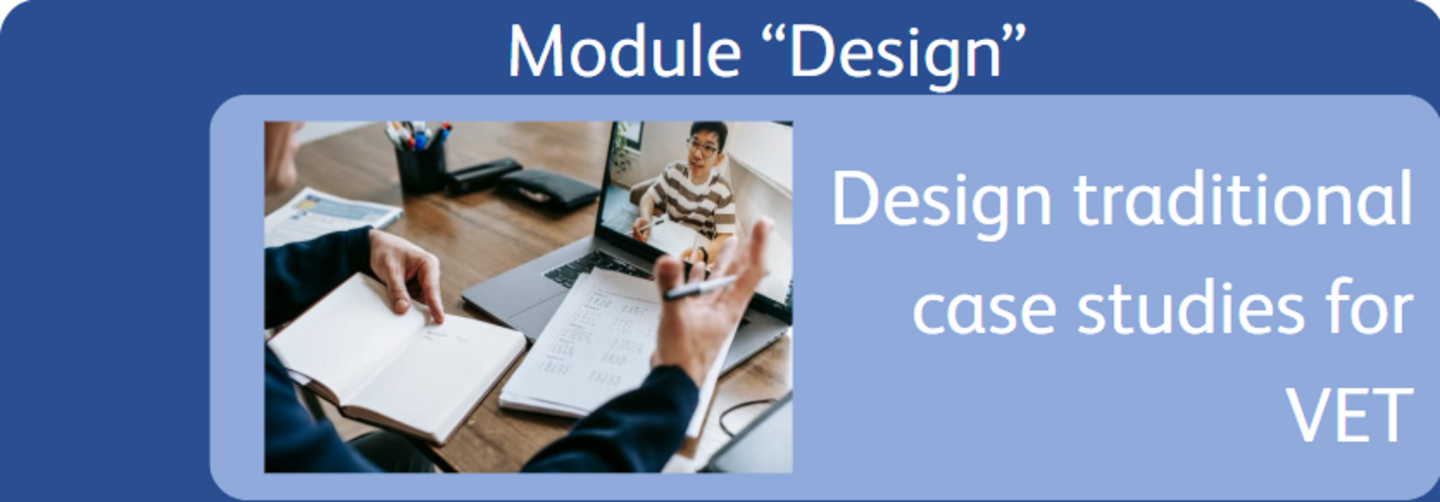
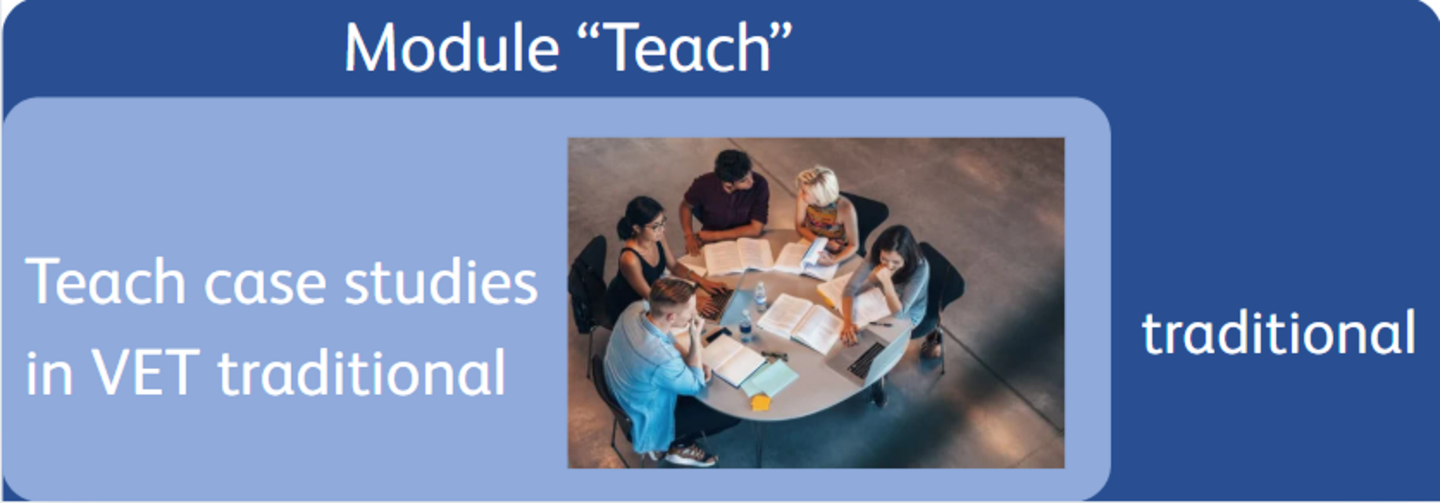
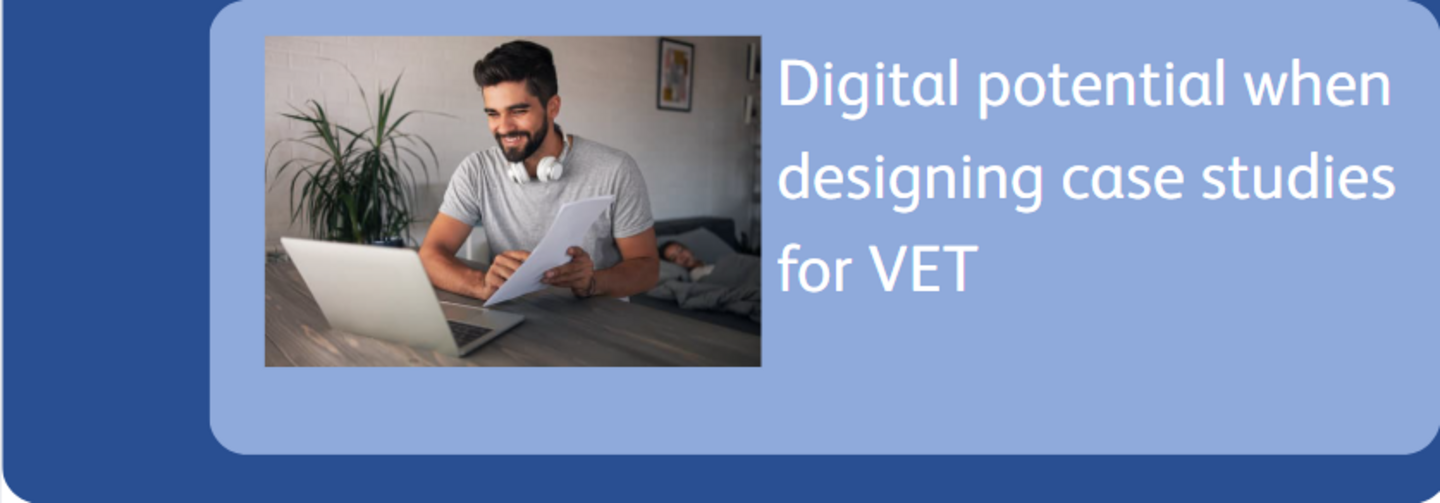
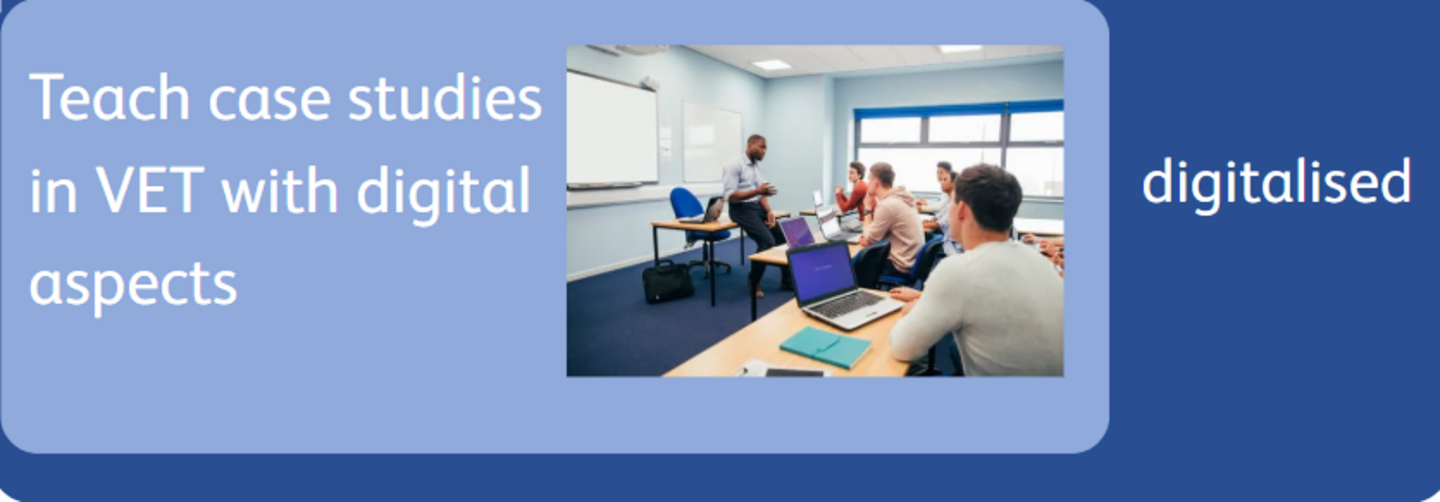
So, if you have no experience in designing case studies, it is best to start by looking at the quality criteria for case studies in "Design traditional case studies for VET" and at the orientation points for case study teaching in "Traditional case study teacching in VET". If you would like to learn more about the digitised preparation and processing of case studies, we recommend the learning units "Digital potential when designing case studies for VET" and "Case study teaching with digital aspects in VET".
The TeC@ses tool is currently still under development.
Design
Learning unit "Design traditional case studies for VET".
Learning unit "Digital potential when designing case studies for VET".
Teach
Learning unit "Traditional case study teaching in VET".
Learning unit "Case study teaching with digital aspects in VET".